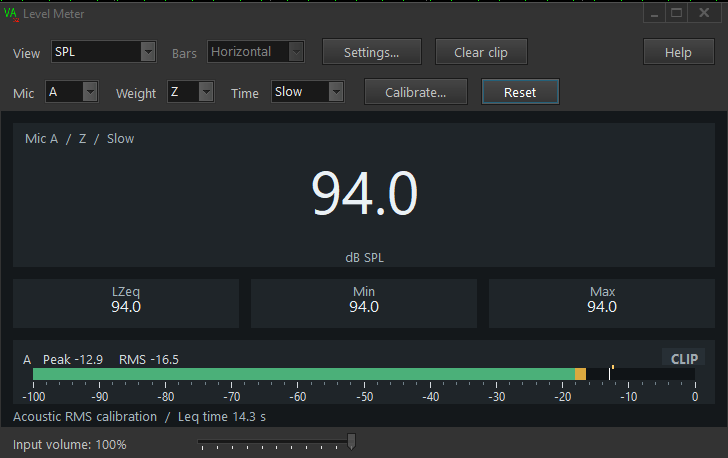
Open Instruments / Level Meter, select the input in VA and start acquisition. The meter reads PCM samples before the analyser’s filters and equalisation.
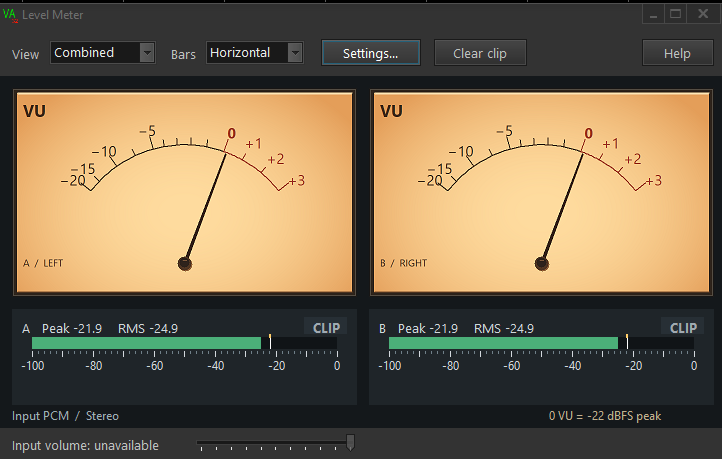
Analogue VU and digital levels
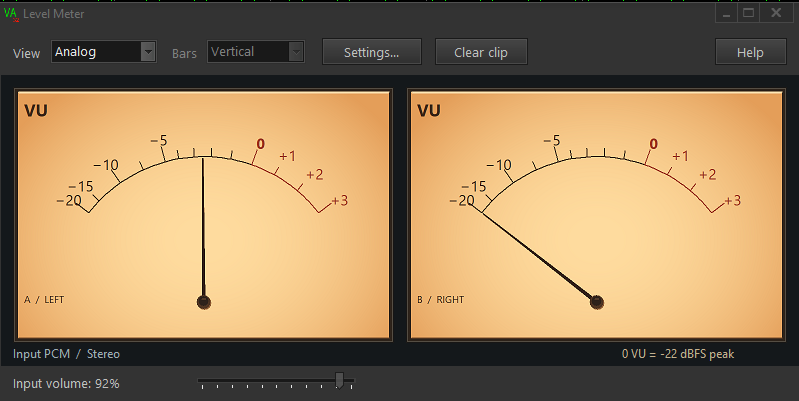
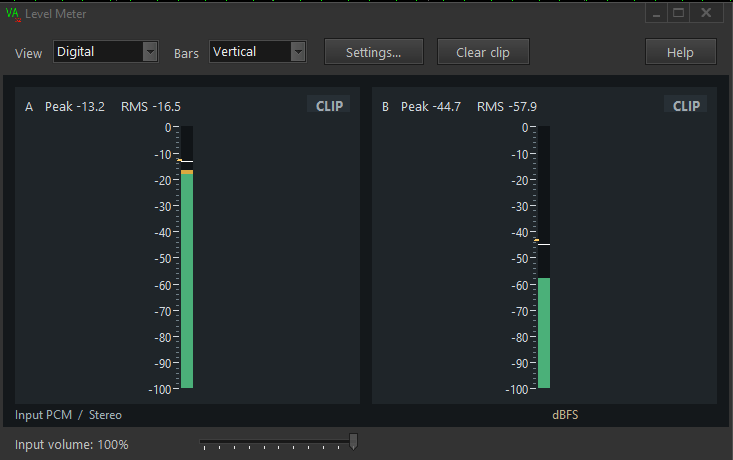
Choose Combined for needles and bars, Analog for needles alone or Digital for bars alone. Bars can be horizontal or vertical. They show RMS and sample peak in dBFS, with peak hold and a CLIP indicator. Settings lets you adjust the 0 VU reference, RMS window, peak hold and colour thresholds.
Sound level in dB SPL
In SPL view, select physical microphone A or B, Z, A or C frequency weighting and Fast (125 ms) or Slow (1 s) time weighting. Leq measures the equivalent level since the last Reset. Min and Max follow the selected time weighting.
Use Calibrate and apply an acoustic RMS calibration matching the microphone, device, input format and input volume. Keep the preamp and hardware gain unchanged. SPL readings require capture gain reported by Windows, so they are unavailable with ASIO inputs or devices that do not report it.